Building Apps for the Reality of Field and Industrial Data Capture
Field and industrial data capture only works when it fits the way inspections actually happen. This article looks at how applications support real field workflows, not after-the-fact reporting.
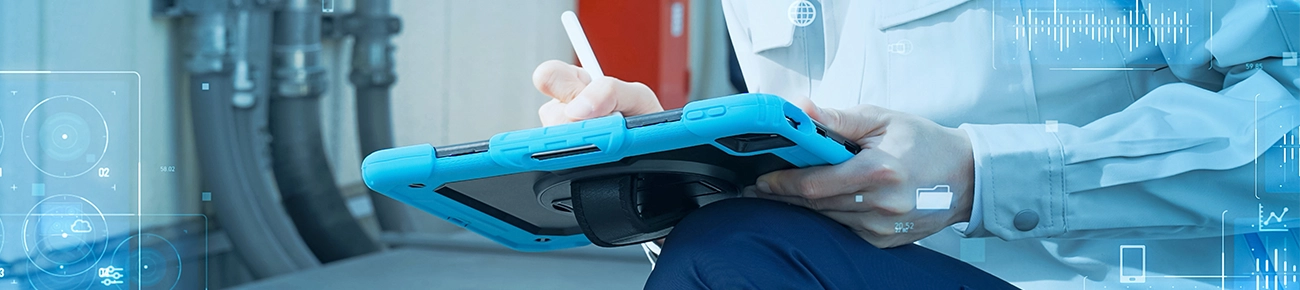
Field and industrial data capture has to function inside real field inspections, not after the work is done.
Field inspections don’t begin with software, and they don’t slow down to accommodate it. They start on plant floors, at job sites, and around equipment that’s hot, loud, and unforgiving. Technicians move through physical space, manage safety constraints, and make judgment calls in real time. Any application meant to support that work has to function inside those conditions without pulling attention away from the task.
In environments like these, industrial field data capture becomes part of the inspection workflow itself, not something handled later at a desk.
What Data Capture Must Handle During Inspections
A technician arrives on site with a defined window to complete the inspection.
They focus on access, sequence, and equipment condition. Measurements are taken while moving between sections. Some readings are straightforward. Others require retesting. The path through the inspection isn’t perfectly linear, and it rarely matches a clean checklist.
What doesn’t happen is stopping work to “enter data.”
Data capture happens while the work is moving forward. Any application introduced into that environment either moves with the technician—or it gets bypassed.
Where Software Commonly Gets in the Way
Most inspection applications are designed as if the inspection has already happened.
They assume:
- A fixed sequence
- Clear start and finish points
- Continuous connectivity
- Time to review and correct entries afterward
In the field, those assumptions break quickly.
Technicians compensate by writing things down, memorizing context to enter later, or treating the application as a reporting tool rather than a working tool. When that happens, the software is no longer supporting the inspection it’s something to deal with after the work is done.
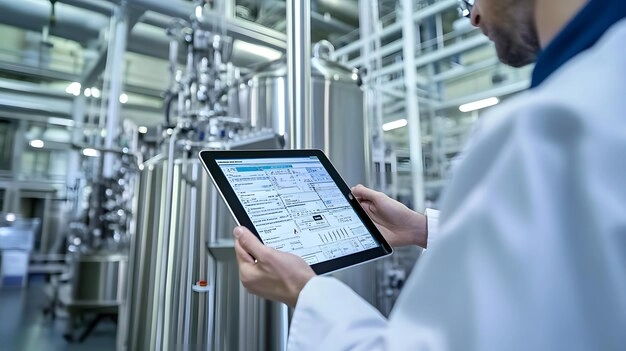
What Industrial Field Data Capture Must Handle During Inspections
Effective industrial field data capture is about timing, not features.
Certain information only retains its value if it’s captured in the moment:
- Where the technician was in the inspection sequence
- Whether a reading was a first pass or a retest
- What configuration was active at the time
- Why a value was accepted or flagged
Once the technician has moved on, that context starts to erode. Capturing it later means relying on memory, interpretation, or cleanup … none of which scale well.
Designing Applications That Move With the Work
Applications that hold up during field inspections tend to share the same characteristics:
- Data is logged as technicians progress, not after
- Structure mirrors physical layout and inspection order
- Validation happens immediately, not during review
- Interruptions and partial completion are expected
- Offline operation is treated as normal, not exceptional
These systems don’t try to optimize reporting first. They optimize execution.
How This Played Out in the SPC4® Inspection Application
When working with Valley Forge & Bolt on the SPC4™ mobile application, the goal wasn’t to add features or modernize for appearance.
The focus was on fitting the application into the inspection flow created by their tension-indicating hardware.
That meant:
- Direct Bluetooth connection to the SPC4™ reader
- Logging readings in the order they were taken
- Supporting retests without breaking sequence
- Storing data locally so inspections didn’t depend on connectivity
- Generating reports that reflected the inspection as it actually occurred
The application didn’t ask technicians to change how they worked. It adapted to how they already worked.
You can review the full case study here:
When Teams Realize the Tool Is the Constraint
Most organizations don’t recognize the issue immediately.
They notice it when:
- Inspections take longer to document than to perform
- Reviews require follow-up questions
- Data quality varies by technician
- Experienced staff fill in gaps without realizing it
At that point, the limitation isn’t the inspection process. It’s the software surrounding it.
What This Means for Application Design
Field inspection applications aren’t productivity tools in the traditional sense.
They’re coordination tools. Their role is to preserve sequence, context, and judgment while work is happening under pressure.
Designing for that reality requires:
- Respect for physical workflows
- Acceptance of interruption and variance
- Tight alignment between hardware and software
- Fewer assumptions, not more
A Closing Thought
Reliable inspection data doesn’t come from better forms or cleaner reports.
It comes from applications that stay aligned with the work as it unfolds step by step, reading by reading, decision by decision.
That’s the difference between software that documents inspections and software that actually supports them.
If your inspection workflows feel heavier than they should:
- Review how SPC4 field inspections were supported in practice, or
- Talk to us about designing applications that fit your real field conditions.
→ View the SPC4 Mobile Application case study
→ Get a free consult for a field-ready inspection application that will make a difference for your company